

Money
Wallet & commission
Reading your wallet balance, statement and payout history line by line — how commission is taken on each payment route, and why the balance can go negative.
Your wallet is the running account between you and DiGiMaker. Every sale, every commission deduction and every refund passes through it.
Where to find it: menu → Finance.
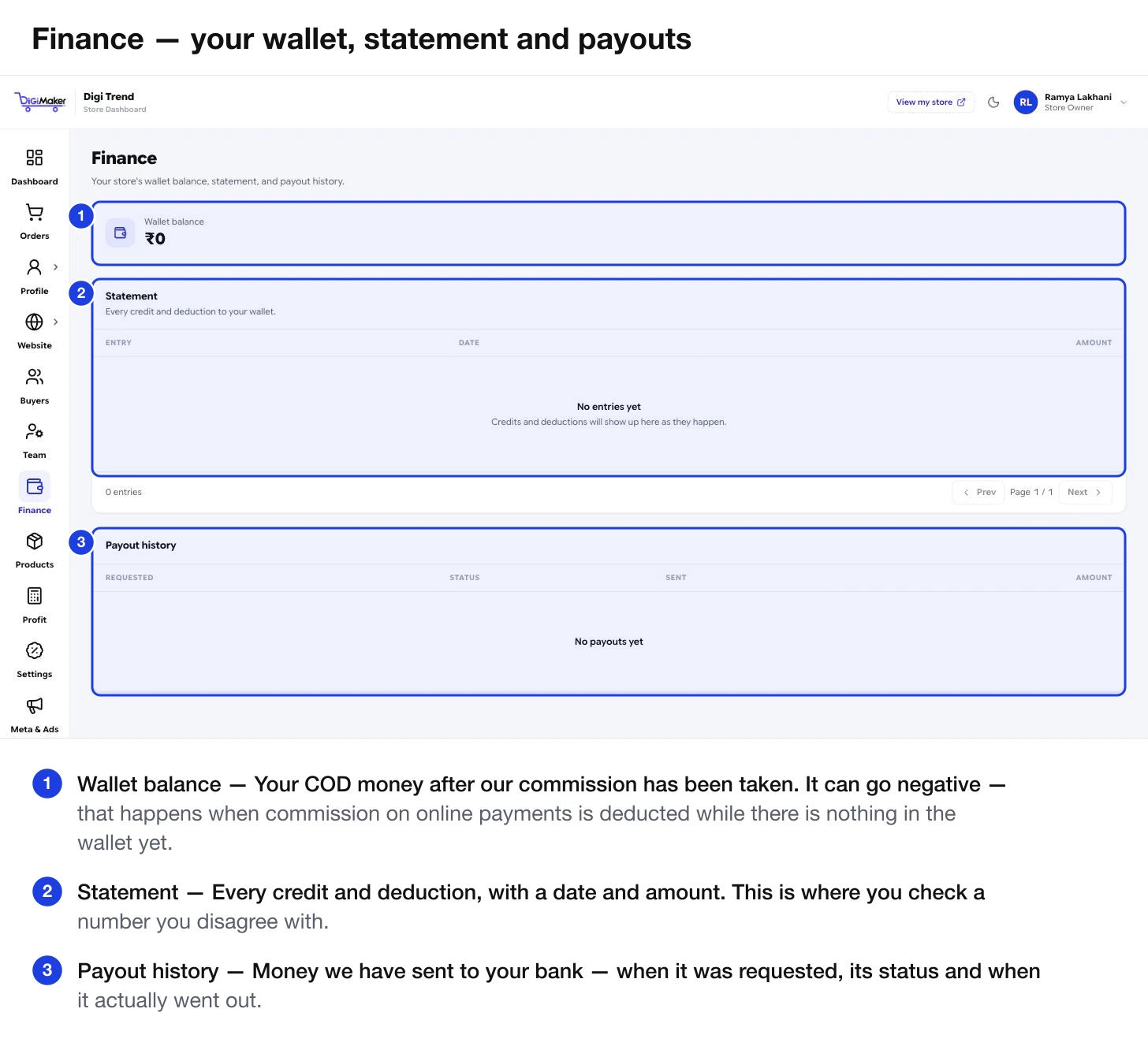
The three parts
| Part | What it shows |
|---|---|
| Wallet balance | What you have right now — your COD money after commission. |
| Statement | Every credit and deduction, with date and amount. This is where you check a number you disagree with. |
| Payout history | Money we have actually sent to your bank: when it was requested, its status, and when it went out. |
How commission is taken
Your commission percentage comes from your package and is shown on Bank & payment details. How it is collected depends on how the buyer paid.
| Buyer paid online | Buyer paid COD | |
|---|---|---|
| Where the money went first | Straight to your account via Razorpay | To the courier, then to DiGiMaker |
| How commission is taken | Deducted from your wallet afterwards — we never held the money | Deducted before the rest is credited to you |
| What appears on your statement | A deduction | A credit for the order value minus commission |
Reading your statement
Each row has an entry description, a date and an amount. Going through it monthly is worth the ten minutes.
An order was delivered, the cash was remitted, commission came off, and the balance was credited to you. The amount should be the order value minus your commission percentage.
Our cut on an online-paid order. The buyer’s money went to your bank; this is the balancing entry.
Money returned to a buyer. See Refunds.
Money leaving the wallet for your bank account. It also appears in Payout history.
Payout history
Shows the requested date, status, sent date and amount for every transfer to your bank.
Your COD Settlement Cycle — daily is common — sets how often this happens.
Managing cash flow
- COD money reaches you only after the parcel is delivered, not when the order is placed. In-transit orders are not yet money.
- An RTO means no credit at all, and you have paid both shipping legs.
- Refunds come out of the wallet.
- Ad spend is separate from all of this — it does not pass through the wallet.
For the full picture including your product costs, use the Profit calculator.